Choose the apps to limit.
Select the apps you want a little space from. Keep the rest of your phone within reach.
 pausi
pausiA LITTLE PAUSE. A BIG DIFFERENCE.
Pausi is a screen-time app for iPhone and iPad that helps you break up long scrolling sessions automatically. Set session limits, daily app limits, and break durations that fit your life.
Download on the App StoreMade for iPhone and iPad.
Find your rhythm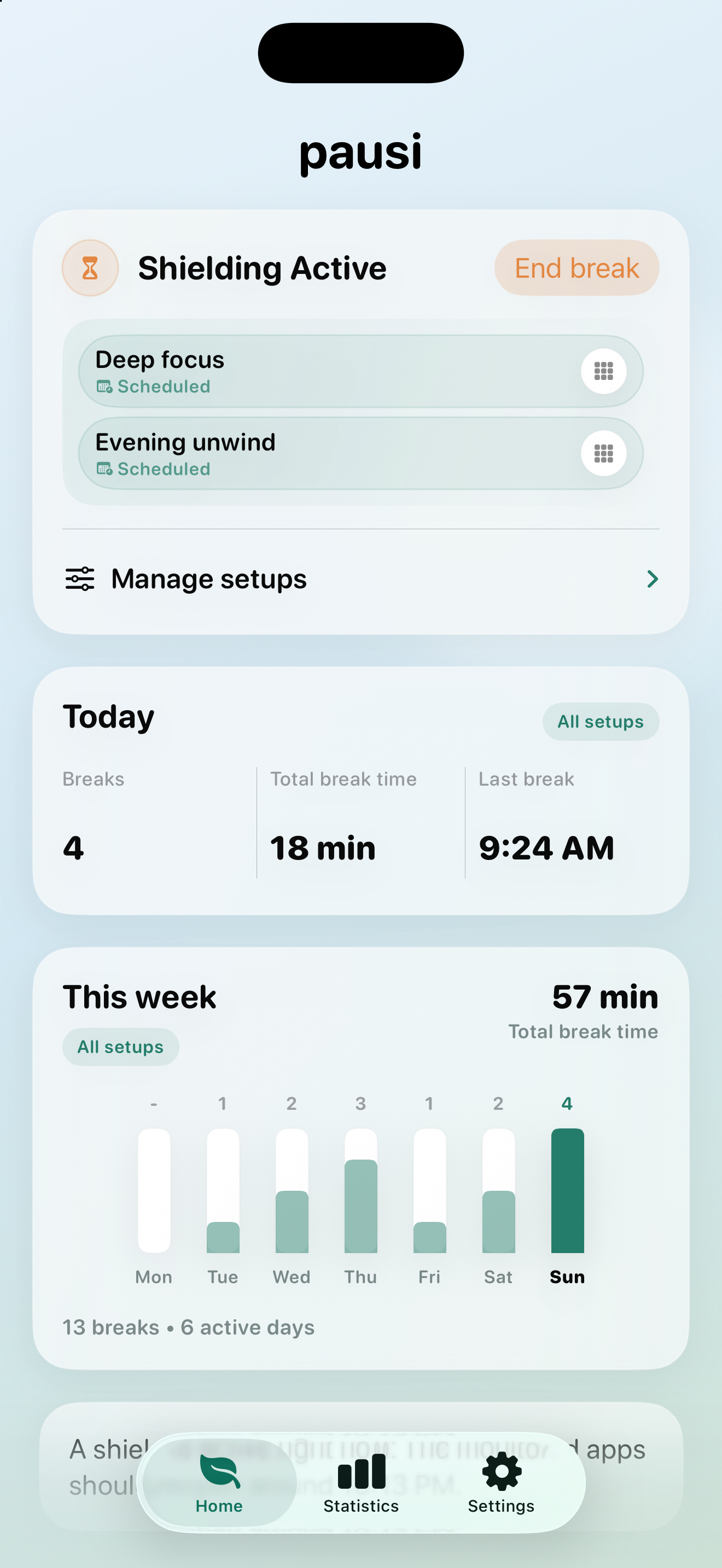
Small pauses. Space for what matters.
LESS WILLPOWER. MORE BREATHING ROOM.
You choose the boundaries.
Pausi helps you stick to them.
Select the apps you want a little space from. Keep the rest of your phone within reach.
Choose a session limit and break duration. Add a daily total limit with Pausi Premium, or schedule your plan around your day.
When it’s time, Pausi temporarily shields your selected apps. Take a breath. Come back with intention.
STEP OUT OF AUTOPILOT
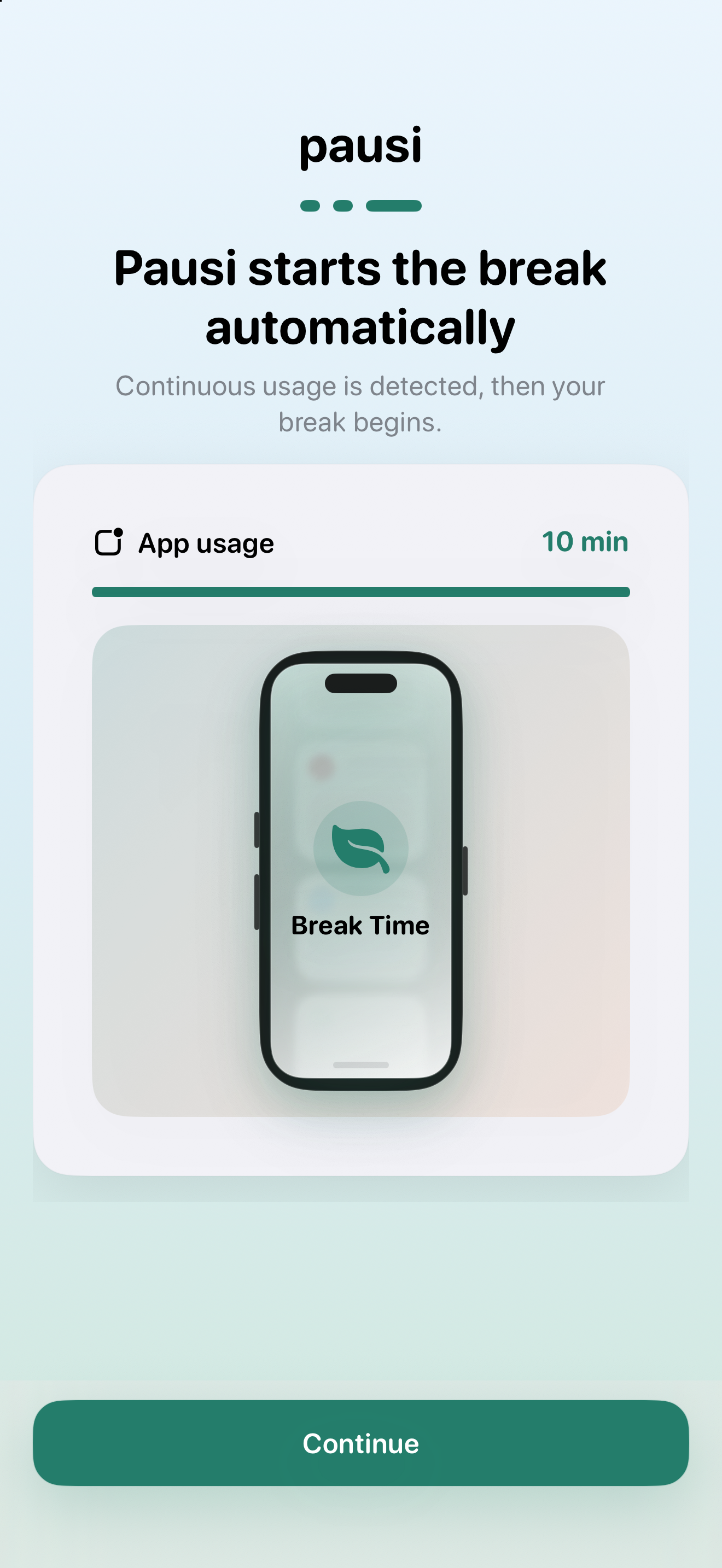
Set a 15-minute session limit and a 2-minute break. When Pausi detects that you’ve reached the session limit, it temporarily shields your selected apps for a break so you can step away.
Session limits help break up continuous app use with short pauses. Daily limits cap total usage across the apps selected in a plan, even when that usage is spread across several sessions.
Follow your breaks and screen-time trends, and notice the habits you’re building.
YOUR QUESTIONS, ANSWERED.
Choose the apps you want to limit, a session limit, and a break duration. With Screen Time access enabled, Pausi detects extended use and temporarily shields the selected apps when you reach your session limit. For example, you can pair a 15-minute session limit with a 2-minute break. Timing depends on Screen Time activity updates.
A session limit triggers a short break after continuous use. A daily limit adds up usage across sessions for the apps selected in a plan and keeps them shielded once the allowance is reached, until the limit resets. Unscheduled daily limits reset at the start of the next day; scheduled plans follow their scheduled window. Daily limits require Pausi Premium.
Yes. Create separate plans for apps or groups of apps that need different limits and break durations. Apps selected together in one plan share that plan’s limits.
Yes. Pausi is available for iPhone and iPad and needs Screen Time permission to monitor usage and shield selected apps. Check the App Store listing for current device and operating-system requirements.
Apple’s Screen Time offers daily App Limits and scheduled Downtime. Pausi uses Apple’s Screen Time technology to add a focus on automatic breaks after continuous app use, with session limits and break durations you choose. You can also track your breaks and screen-time trends in Pausi.